Log by chat
Write the way you talk. Quiky logs the transaction to the right wallet, and you can undo it if something is wrong. Receipt photos work too.
Try typing
- fuel 25k
- salary 9.5M into BCA
- how much food budget is left?
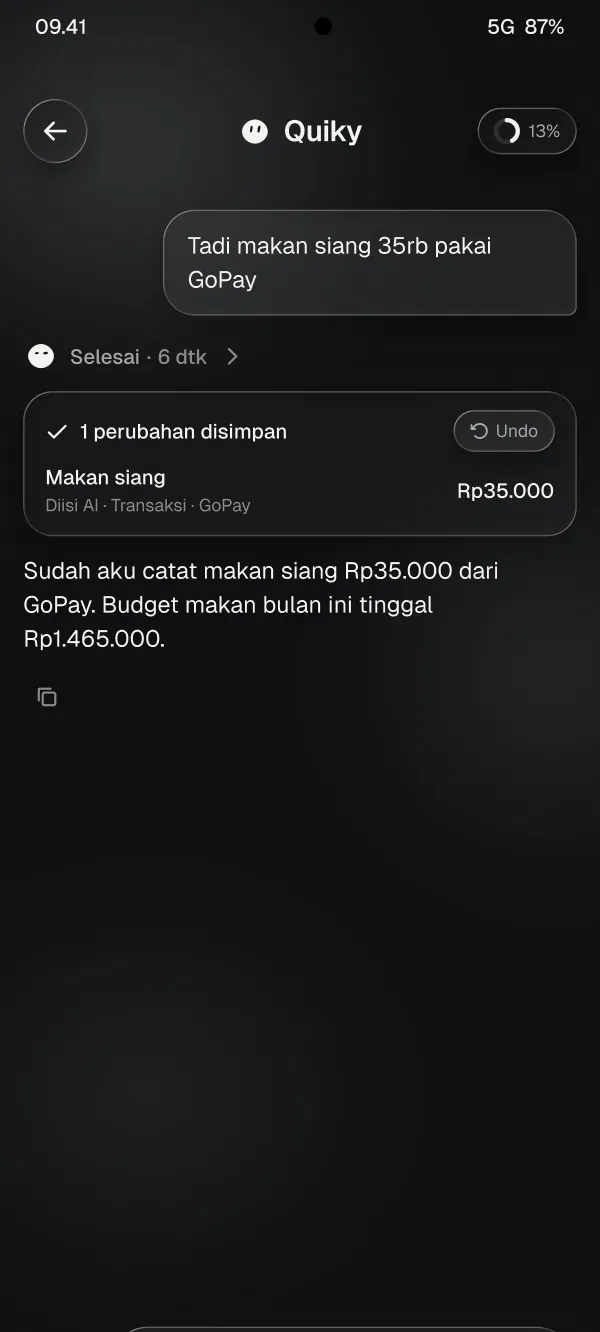
Type “coffee 25k on GoPay” and Quiky logs it to your wallet and budget. Your balance and what is left of your budget update right away.
For Android 12 and later. Sign in with your Google account.
coffee 25k on gopay
Logged: Coffee, Rp25,000 from GoPay.Undo
Log by chat or fill in the form yourself. Wallets, budgets and charts fill in as you go.
Write the way you talk. Quiky logs the transaction to the right wallet, and you can undo it if something is wrong. Receipt photos work too.
Try typing
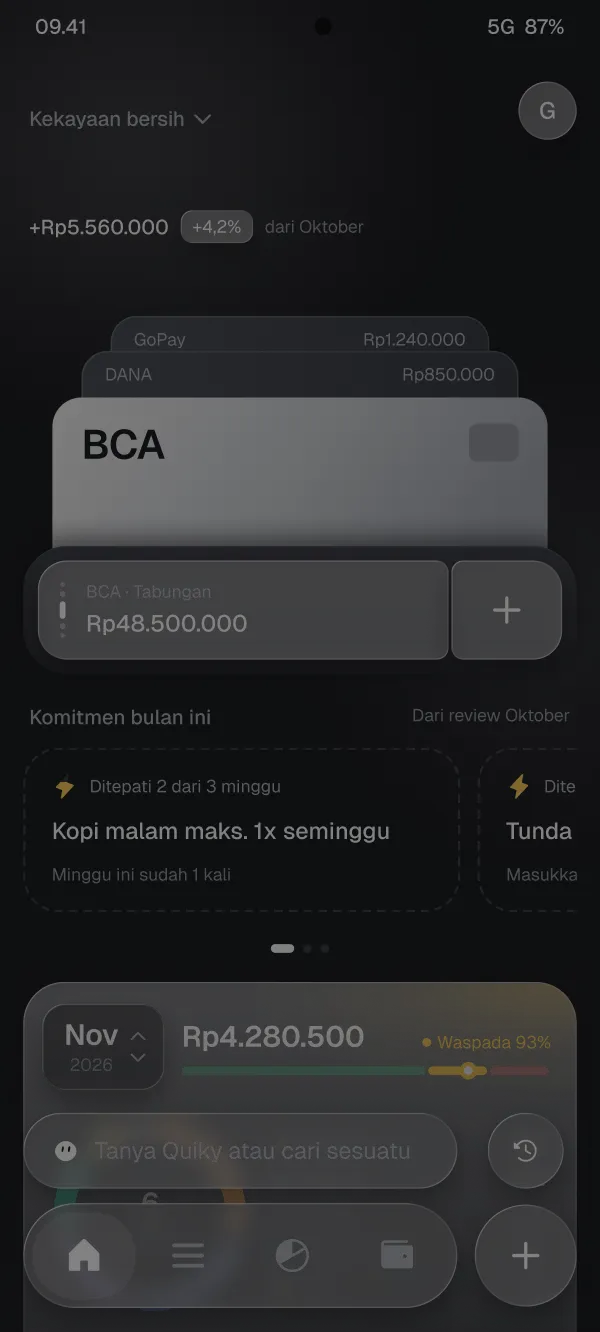
Bank accounts, e-wallets, cash and credit cards in one stack. Balances change every time you log.
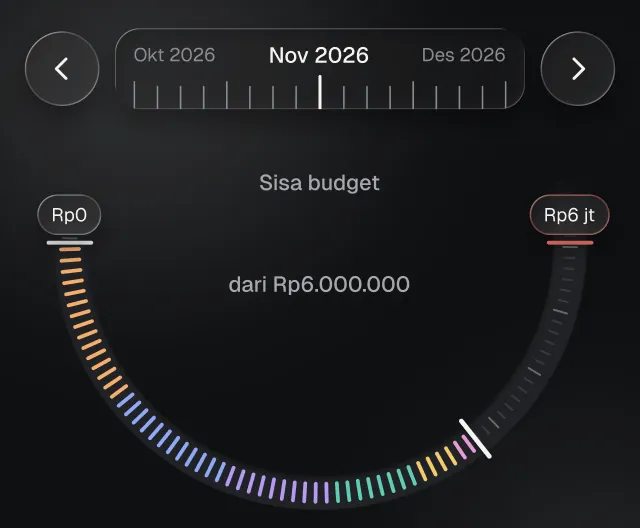
Set a limit per category. See what is left and get a warning before you go over.
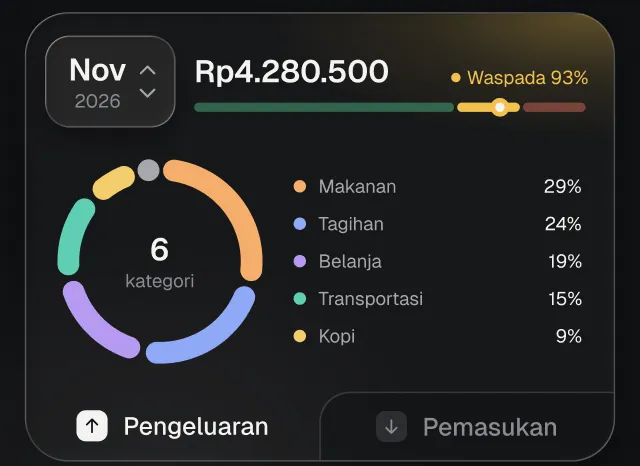
See where your money went this month, by category and by day.
Keep logging without internet. Once you are online, your data syncs to your account, so on a new phone you just sign in.


Server backups run daily and are encrypted.
Money notes are private. Here is what Quiky does.
Quiky Expense is in closed testing on Google Play. Here is how to get on the tester list.
Enter the Google account email you use on the Play Store.
We add your email to the tester list and send the invite link to that email.
Open the invite link, tap Become a tester, then install Quiky Expense from the Play Store.